
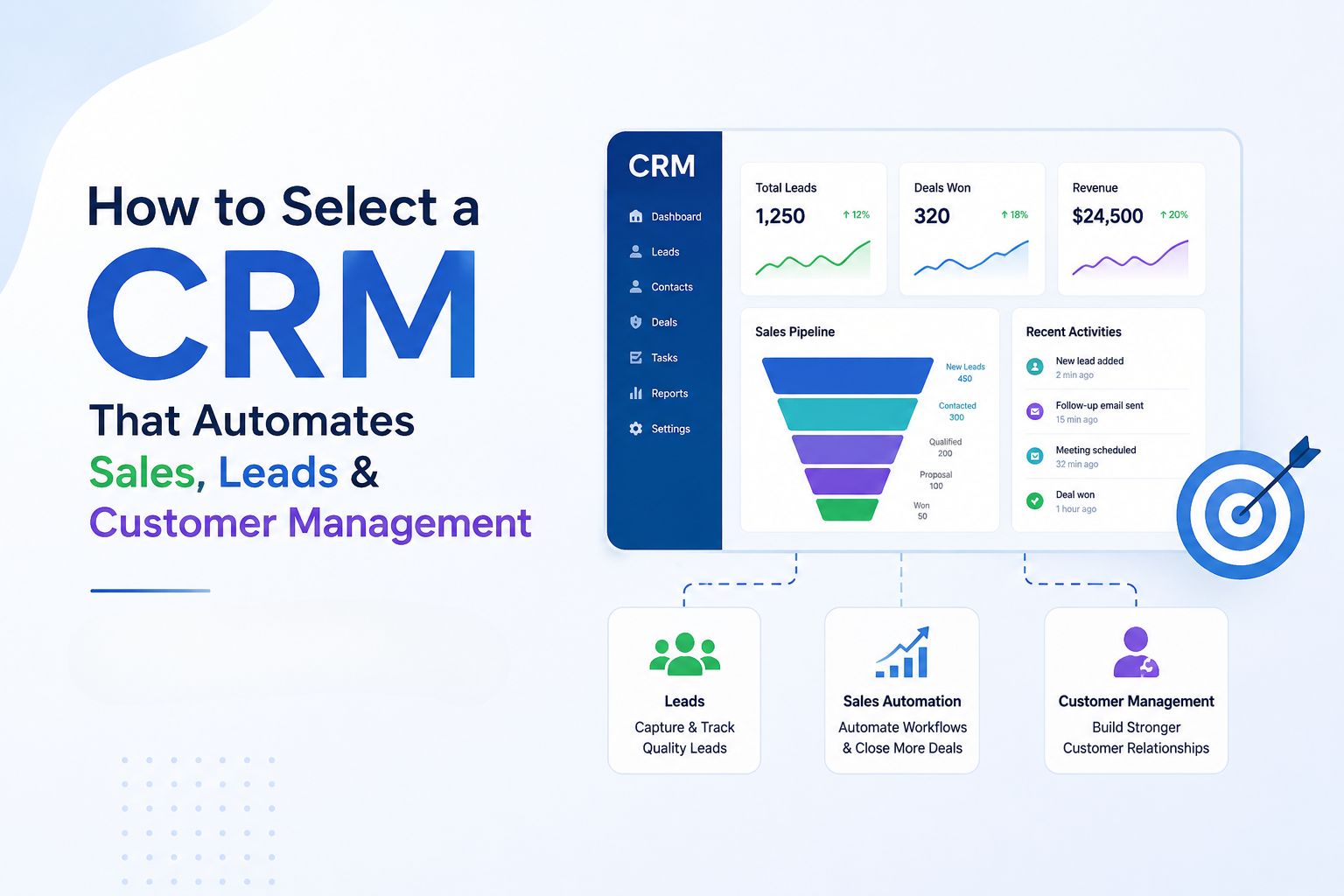
For growing businesses, comes a time when follow-ups are ignored, leads are cold, and despite the impressive appearance of their sales pipeline, it doesn’t work at all. At this stage, a business tends to search for a CRM system. This is where they usually start their search for a CRM system. What makes this task hard is the large number of CRM systems available, all promising the same thing: automation, sales, and customer management. However, the main issue is not finding a CRM solution; it is about finding one that will actually save you time and not simply shift it around. This blog covers how to really choose a CRM that automates sales, leads, and customer management.
What Does Real CRM Automation Actually Look Like?
While most CRMs have automation, real automation is when a CRM manages the following tasks automatically: follow-up scheduling, lead distribution, pipeline management, and stalled deals reminders. This functionality is provided by such applications as HubSpot CRM and Salesforce CRM. However, the degree of automation can differ depending on the configuration. What is the simplest way to distinguish one from the other? If your employees have to recall each action on their own, the CRM system lacks automation.
Why Choosing the Wrong CRM Costs More Than You Think?
If used properly, the CRM system can increase sales revenue by 29% and sales efficiency by 34%. Businesses that make use of CRM system automation can save up to four to five hours per week on tasks. On the other hand, businesses that choose the wrong CRM will suffer losses. It is reported that approximately 20% to 70% of CRM implementation projects fail, simply due to the CRM not being aligned with the business processes. In fact, 37% of companies lose money because of low CRM data quality. The CRM should lighten your load and increase visibility, rather than add to your administrative work.
Key Questions to Ask Before Selecting Any CRM
The majority of poor CRM decision-making occurs before the software has even been chosen. Instead, start by asking yourself:
Firstly, ask yourself:
- What work is taking up your employees’ time?
It’s impossible to do effective automation without knowing what needs to be automated. You may need to automate follow-ups, data input, or even lead allocation. - Where is your sales process falling apart?
Every business has a point at which its sales process breaks down. Your CRM should address that issue. - Where are your leads coming from?
If leads are generated through advertising, online forms, calling, and live chats, the CRM system needs to integrate all leads immediately. - Which apps are you currently using?
Integration of apps such as email, calendars, ads, and scheduling will be crucial in avoiding fragmentation. - Will your team even use it?
Even the most effective CRM will fail if it is not used. - Will you grow rapidly?
A CRM that works perfectly for five users might break down for fifty users.
Revenue Driving CRM Automation Features
When it comes to automation, there’s no comparison with mere surface-level features; some make money, but others only look good during demonstrations.
- Post-Sales Automation
It is usually overlooked. Activities such as onboarding emails, follow-up emails, renewals, and upsells should happen post-sale automatically. - Lead Capturing and Assignment Automation
The bottom line here is speed. The right CRM application must ensure that new leads go directly to the right sales representative - Behavior-Based Lead Scoring
The present CRM systems track behavior, including page visits, interacting via email, or asking for a demo. - Automating Follow-Up
If the prospect doesn’t respond anymore, follow-up should be automated through email or text messaging. - Automated Pipeline Progress
The stages of the pipeline should be automated according to progress made, calls made, proposals issued, and contracts agreed. - Integration of CRM with Advertising Tools
Integration of the CRM system with marketing tools like Google Ads campaigns and Meta Ads will help identify campaigns responsible for sales. - Automatic Reporting Dashboards
The reporting dashboards must update themselves for sales managers to see everything in real-time.
Types of CRM Systems
There are three types of CRMs, which are:
- Operational CRM
Related to sales processes such as lead management, follow-ups, and sales pipeline management. - Analytical CRM
Focused on analysis, forecasting, and insight collection of customers. - Collaborative CRMs
Concentrated on integrating sales, marketing, and customer services through shared information.
A new company needs an operational system first before anything else.
Off-the-Shelf or Custom CRM: Which One Fits Better?
Software platforms such as Pipedrive and Zoho CRM are easy and fast to implement and perform excellently with the traditional sales processes. However, the use of these platforms requires companies to make changes to their process to fit into them. Custom CRMs are made from scratch, making them more flexible.
General principle:
- For a basic process, use an off-the-shelf solution.
- For complicated or large-scale processes, custom LMS-integrated CRM systems are recommended.
What AI in CRM Actually Delivers (and What Doesn’t)?
AI has been heavily used in the field of CRM solutions, but not everything marked “AI-driven” gives any value.
Useful applications of AI:
- Lead scoring predictions
- Revenue prediction
- Sentiment analysis in messages
- Automation of data augmentation
Noise in general:
- General insights repeating dashboard insights
- Ineffective chatbots
- Content creation needs considerable editing
Quality AI minimizes decisions. Poor AI just rebrands reporting.
Why Platforms Like GoHighLevel Are Getting Attention?
HighLevel has gained popularity among agencies and smaller businesses because it integrates CRM, funnels, automation, and messaging. Rather than having to switch between different applications, all of this functionality can be managed through one platform, making HighLevel highly beneficial for those overseeing several campaigns or multiple clients.
What a Real CRM Should Do for You?
In a well-designed CRM system, there is much more than contact storage. The CRM system moves deals along, removes duplication, and interacts with clients after completing the deal. In a properly functioning CRM, your sales team will waste less time entering information into their databases and more time selling. That’s how you know if it’s working. Otherwise, you don’t have a CRM; you have an enhanced database.